Lovable builds beautiful apps. Does the login still work?
Lovable nails the visuals. The flows underneath — auth, payments, multi-step forms — break in ways the preview never shows. TestMyVibes puts a verified human on your Lovable URL and reports back exactly what's broken, with video.
$0.10 per credit · Pay only for what you use · Same-day reports
Why Lovable apps need human QA
Prompt-to-app is magical until a real user hits the third screen and the back button logs them out. Lovable optimises for the demo. Humans test for the user.
The preview hides production bugs
Lovable's preview pane uses generated demo data. Production hits real auth, real Stripe, real edge cases — and breaks in ways the preview never showed.
Auth flows are where it falls over
Sign up works. Sign-in works the next day? Often not. Email verification? Reset password? Humans walk every branch.
Mobile gestures are an afterthought
Swipe-to-dismiss, sticky headers under the iOS notch, keyboard covering inputs. We test on real phones.
Reapply fixes via Lovable Knowledge
We ship a Lovable Knowledge entry that turns the bug list into a re-prompt. Lovable patches the app on the next message.
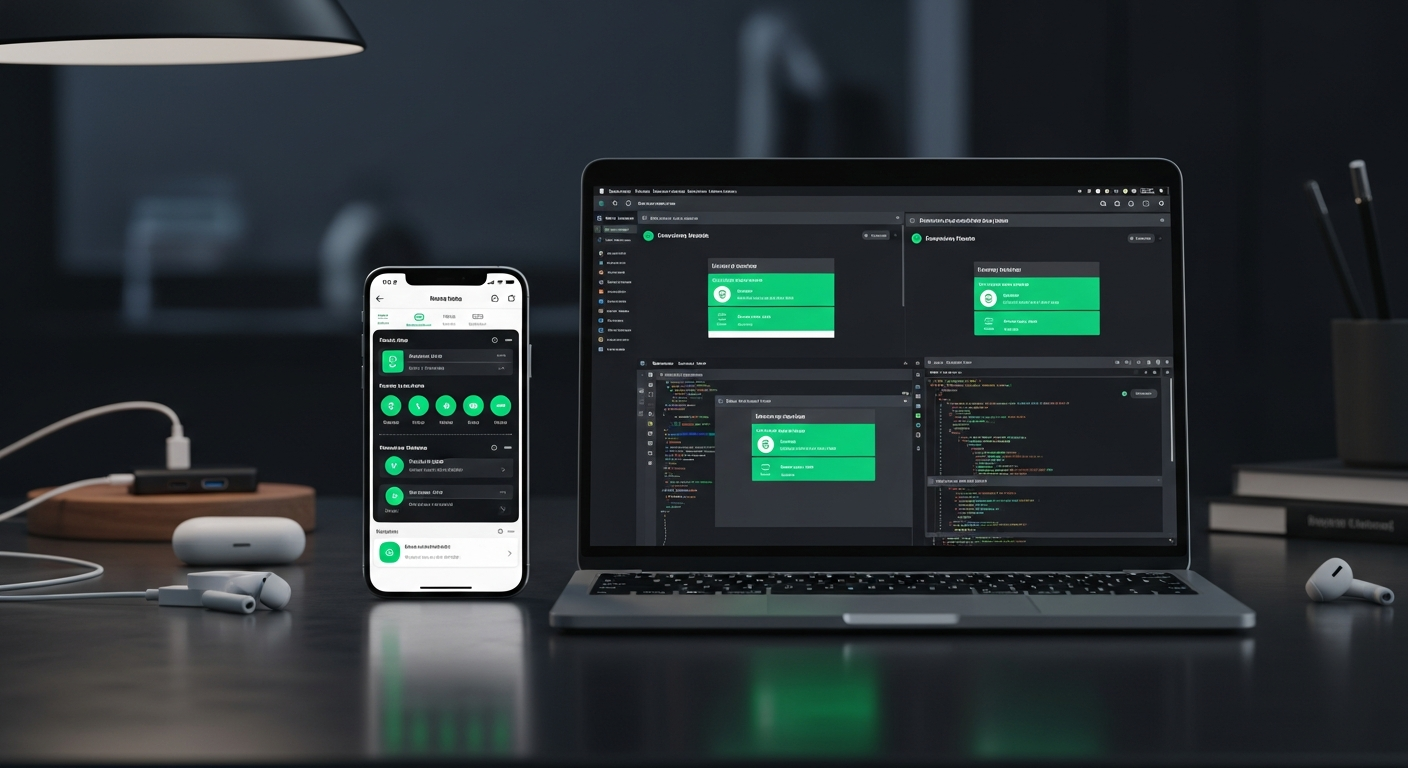
How to wire TestMyVibes into Lovable
Add one Knowledge entry, paste your API key, prompt: "Run the TestMyVibes auto-test loop."
-
Sign up for TestMyVibes
Top up $5 minimum (50 credits). Copy your API key from Dashboard → API Keys.
-
Add the Knowledge entry
Download the markdown from /agent-skills/lovable and paste it into your Lovable project's Knowledge tab as "TestMyVibes Auto-Test Loop".
-
Run the loop
In Lovable's chat: "Run the TestMyVibes auto-test loop." Lovable publishes, calls our API, waits for the human report, applies the suggested fixes, republishes, and repeats — capped by your budget.
-
Read the report
Screen recording, pass/fail checklist, AI health score. Click any failed item to see exactly what the tester saw.
# 1. Save the rule file
#    Download from https://testmyvibes.com/agent-skills/lovable
#    In your Lovable project, open Knowledge and add this content as a new entry titled "TestMyVibes Auto-Test Loop".

# 2. Set your TestMyVibes API key as a secret named TMV_API_KEY.

# 3. Prompt the agent:
#    "Run the TestMyVibes auto-test loop."

# Under the hood, the agent calls:
curl -X POST https://testmyvibes.com/v1/replit/test \
  -H "Authorization: Bearer $TMV_API_KEY" \
  -H "Content-Type: application/json" \
  -H "X-Agent-Skill: lovable" \
  -H "X-Agent-Iteration: 1" \
  -d '{ "url": "https://your-app.example.com",
        "feature": "what you just built" }'
Paste this as a Knowledge entry in your Lovable project.
Looking for the deeper API integration? See the Lovable integration page →
What we catch on Lovable apps
- Verified human checkers — every tester passes a background QA test before joining.
- Real browsers on real devices (desktop, mobile, tablet) — no headless emulation.
- Full screen recording of every session — replay exactly what your tester saw.
- Average response time under 30 minutes during business hours.
$0.10 per credit. Smallest pack $5.
1 credit = $0.10. AI smoke tests start at 1 credit. Pay only for tests you submit, persistent persona seats are optional. Volume discount at the $450 pack tier.
See full pricing →Lovable + TestMyVibes FAQ
Do I need to write any code?
No. You add a Knowledge entry and prompt Lovable. Lovable does the integration work.
Will the loop redeploy my app automatically?
Yes — Lovable handles the publish step on each iteration. You stay in chat, the loop runs underneath.
Can I cap how many credits the loop spends?
Yes. The Knowledge entry includes MAX_ITERATIONS and CREDIT_BUDGET. Both are enforced server-side too.
What if Lovable can't fix the bug?
After two iterations on the same bug the loop pauses and asks you what to do — no runaway credit drain.
Lovable built the app. Make sure it works.
$0.10 per credit. Connect via Knowledge in 2 minutes.
Test my Lovable app →