Cursor lets you ship in hours. Who's catching the bugs?
When you and Cursor refactor 14 files in one session, you cannot remember everything you touched. TestMyVibes puts a verified human tester on your staging URL after every session — full video, structured report, suggested fixes Cursor can apply next session.
5 free credits · No card required · Same-day reports
Why Cursor users need human QA in the loop
Cursor's strength is volume — a lot of code, fast. The downside is regressions you didn't ask for. The auto-complete that fixed your bug also changed three other files. Humans find that.
Composer touches files you forgot existed
Cursor's multi-file edits are powerful and dangerous. A human tester walks the affected flows end-to-end and tells you what broke.
Tests pass, users don't
Your test suite confirms `expect(result).toBe(true)`. Humans confirm the user actually gets to that result without rage-quitting.
Cursor doesn't notice CSS regressions
An autocomplete on a Tailwind class changes the layout on mobile. Cursor compiles. Humans see the broken layout and screenshot it.
Apply the fixes back inside Cursor
Each bug ships with a suggested fix you can paste straight into Cursor's chat. Loop until clean.
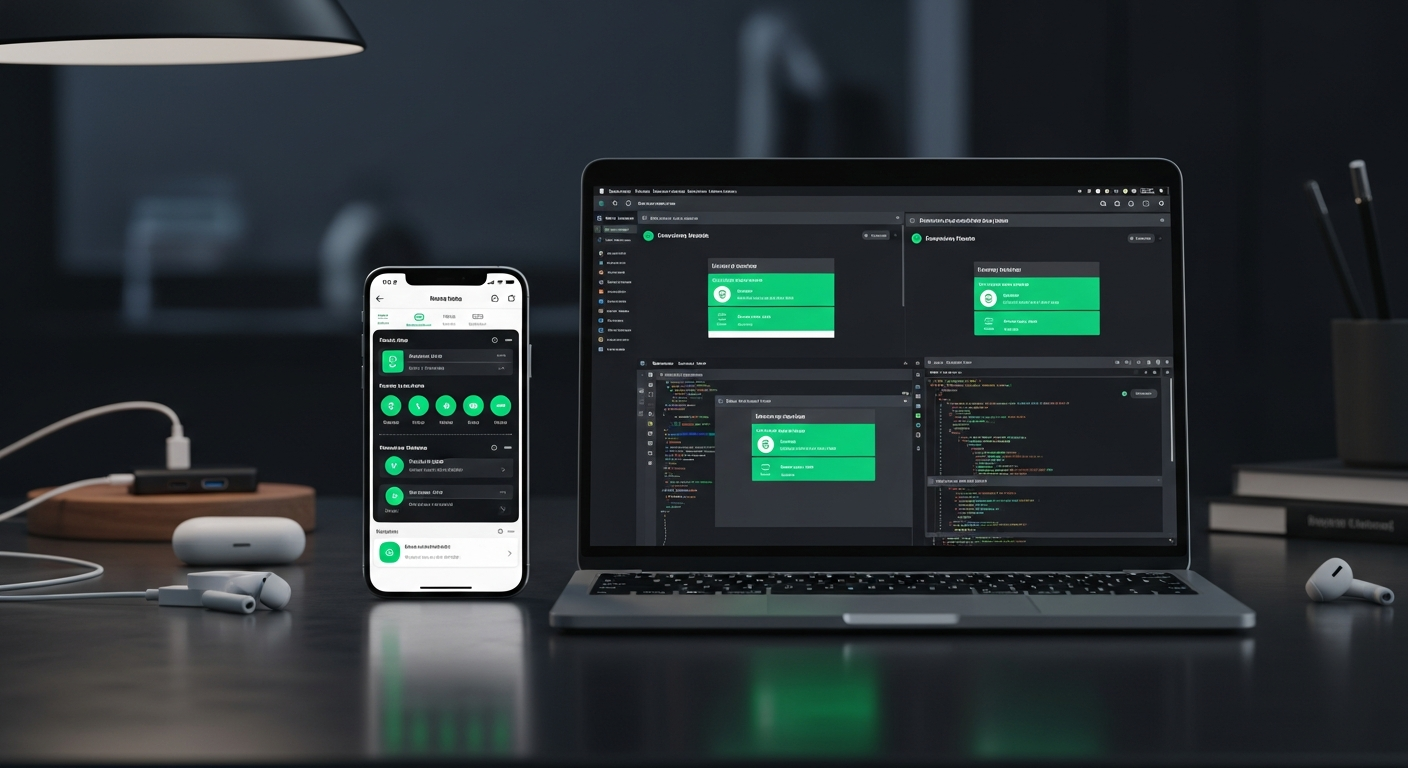
How to wire TestMyVibes into Cursor
Drop a `.cursorrules` file in your repo, store your API key, and trigger the loop from Cursor's chat after each session.
-
Grab your TestMyVibes API key
Sign up (5 free credits) and copy your key from Dashboard → API Keys.
-
Save the .cursorrules file
Download our `.cursorrules` from /agent-skills/cursor and commit it to your repo root. Set `TMV_API_KEY` in your shell env.
-
Run the loop after each session
In Cursor's chat: "Run the TestMyVibes auto-test loop from .cursorrules." Cursor deploys, calls our API, waits for the report, applies the suggested fixes, redeploys, and repeats.
-
Review the screen recording
Every test ships with full video, severity-ranked bugs, and an AI health score. Plug into your CI for fully automatic post-deploy QA.
# 1. Save the rule file
#    Download from https://testmyvibes.com/agent-skills/cursor
#    Save this file as `.

# 2. Set your TestMyVibes API key as a secret named TMV_API_KEY.

# 3. Prompt the agent:
#    "Run the TestMyVibes auto-test loop."

# Under the hood, the agent calls:
curl -X POST https://testmyvibes.com/v1/replit/test \
  -H "Authorization: Bearer $TMV_API_KEY" \
  -H "Content-Type: application/json" \
  -H "X-Agent-Skill: cursor" \
  -H "X-Agent-Iteration: 1" \
  -d '{ "url": "https://your-app.example.com",
        "feature": "what you just built" }'
Drop this in your repo as .cursorrules. Cursor reads it automatically.
Looking for the deeper API integration? See the Cursor integration page →
What we catch on Cursor-built apps
- Verified human checkers — every tester passes a background QA test before joining.
- Real browsers on real devices (desktop, mobile, tablet) — no headless emulation.
- Full screen recording of every session — replay exactly what your tester saw.
- Average response time under 30 minutes during business hours.
$1 per credit. 5 free to start.
1 credit = 2 minutes of human testing = $1.00. You only pay for time used. 5 free credits when you sign up — no card required. Compare that to one angry-user support ticket.
See full pricing →Cursor + TestMyVibes FAQ
Do I need a special integration?
No. The .cursorrules file is the integration. Cursor reads it on every session.
Can I trigger it from my CI instead?
Yes. The same API call works from GitHub Actions, GitLab CI, or any post-deploy script. See /docs/ci.
What if the suggested fix is wrong?
You're always in the loop. Cursor surfaces the fix in chat — accept it, edit it, or reject it. Nothing ships without you.
How fast are the results?
Average under 30 minutes during business hours. Plenty of time for a coffee break, not enough to lose your context.
Cursor wrote it. Let humans confirm it works.
5 free credits. No card. Plug into your existing workflow.
QA my Cursor build →