Bolt prototypes ship in minutes. They break on mobile in seconds.
Bolt is unmatched at "prompt to working prototype". The catch: those prototypes look great in Bolt's preview and crumble on a real iPhone. TestMyVibes puts a verified human on your Bolt URL and reports back what real users hit.
$0.10 per credit · Pay only for what you use · Same-day reports
Why Bolt-built apps need human QA
Bolt's preview is a trick of the light. It's a desktop iframe with mocked data. Real users are on phones, on flaky networks, with auth state, and they will find the seams.
The preview lies about mobile
Bolt's preview is roughly a desktop iframe. Your users open the link on a Pixel 6. Buttons overlap, modals trap focus, the keyboard hides inputs. Humans catch it on real hardware.
Stateful flows weren't tested
Bolt prototypes a happy path. The unhappy paths (timed-out session, slow network, empty state) are where users actually live. Humans walk them.
Generated forms eat your input
Bolt loves generating form fields. They submit and the data goes nowhere — no backend, no validation, no toast. Humans notice immediately.
Loop until clean — Bolt patches the code
Pin our context file, and Bolt reads our bug reports and patches itself. You watch from chat.
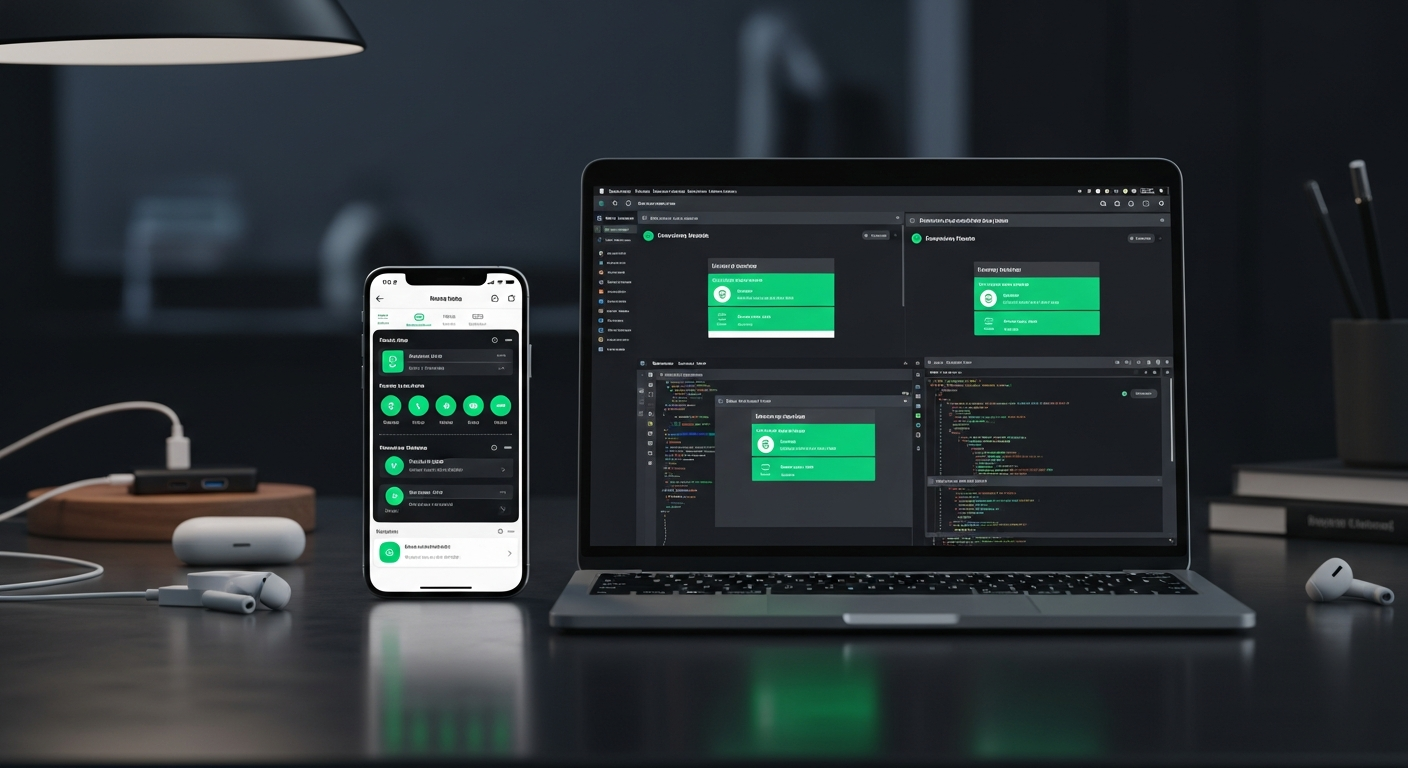
How to wire TestMyVibes into Bolt
Pin our context file to your Bolt project, paste your API key, prompt: "Run the TestMyVibes loop."
-
Get your API key
Sign up at TestMyVibes, top up $5 minimum (50 credits), and copy your key.
-
Pin testmyvibes-context.md
Download the file from /agent-skills/bolt and add it to your Bolt project root, then attach it to chat.
-
Run the loop
In Bolt: "Run the TestMyVibes loop described in testmyvibes-context.md." Bolt deploys, we test, you read the report, Bolt patches, repeat.
-
Watch what real users hit
Every report comes with screen recording — see the broken modal, the trapped focus, the missed tap target.
# 1. Save the rule file
#    Download from https://testmyvibes.com/agent-skills/bolt
#    Add this file to your Bolt project root as `testmyvibes-context.

# 2. Set your TestMyVibes API key as a secret named TMV_API_KEY.

# 3. Prompt the agent:
#    "Run the TestMyVibes auto-test loop."

# Under the hood, the agent calls:
curl -X POST https://testmyvibes.com/v1/replit/test \
  -H "Authorization: Bearer $TMV_API_KEY" \
  -H "Content-Type: application/json" \
  -H "X-Agent-Skill: bolt" \
  -H "X-Agent-Iteration: 1" \
  -d '{ "url": "https://your-app.example.com",
        "feature": "what you just built" }'
Pin this file in your Bolt project as context.
Looking for the deeper API integration? See the Bolt integration page →
What we catch on Bolt prototypes
- Verified human checkers — every tester passes a background QA test before joining.
- Real browsers on real devices (desktop, mobile, tablet) — no headless emulation.
- Full screen recording of every session — replay exactly what your tester saw.
- Average response time under 30 minutes during business hours.
$0.10 per credit. Smallest pack $5.
1 credit = $0.10. AI smoke tests start at 1 credit. Pay only for tests you submit, persistent persona seats are optional. Volume discount at the $450 pack tier.
See full pricing →Bolt + TestMyVibes FAQ
Does this work with bolt.new URLs?
Yes. Any publicly reachable URL works — bolt.new previews, deployed StackBlitz, custom domains, anything.
Can I test before publishing?
If your Bolt project has a shareable preview URL, yes. We need a URL the tester can open.
How fast are reports?
Most under 30 minutes during business hours. The loop polls until ready — Bolt waits patiently.
What about my Stripe / auth keys?
Provide test credentials via the accessInstructions field. Tester uses them in a clean browser session and we wipe them after.
Bolt built the prototype. Find out if it works.
$0.10 per credit. Pin one file, run the loop.
Test my Bolt project →